
Your Custom Chatbot Assistant
for Any Website or Social.
Deploy a custom chatbot assistant on your website, Instagram, Facebook, LinkedIn, or any social platform—without writing a single line of code. Voice enabled, multilingual, and calendar-synced. Just train it with your details, grab the link, and share it everywhere.

A Custom Chatbot Assistant That Works Everywhere
Embed your AI assistant on your website, share it on any social media platform, or send it via DM. Crafty adapts to wherever your audience is.
Website & Social Ready
Get a shareable URL that works on any website, Instagram bio, Facebook page, LinkedIn profile, X/Twitter, TikTok—anywhere you have an audience.
Fully Customizable
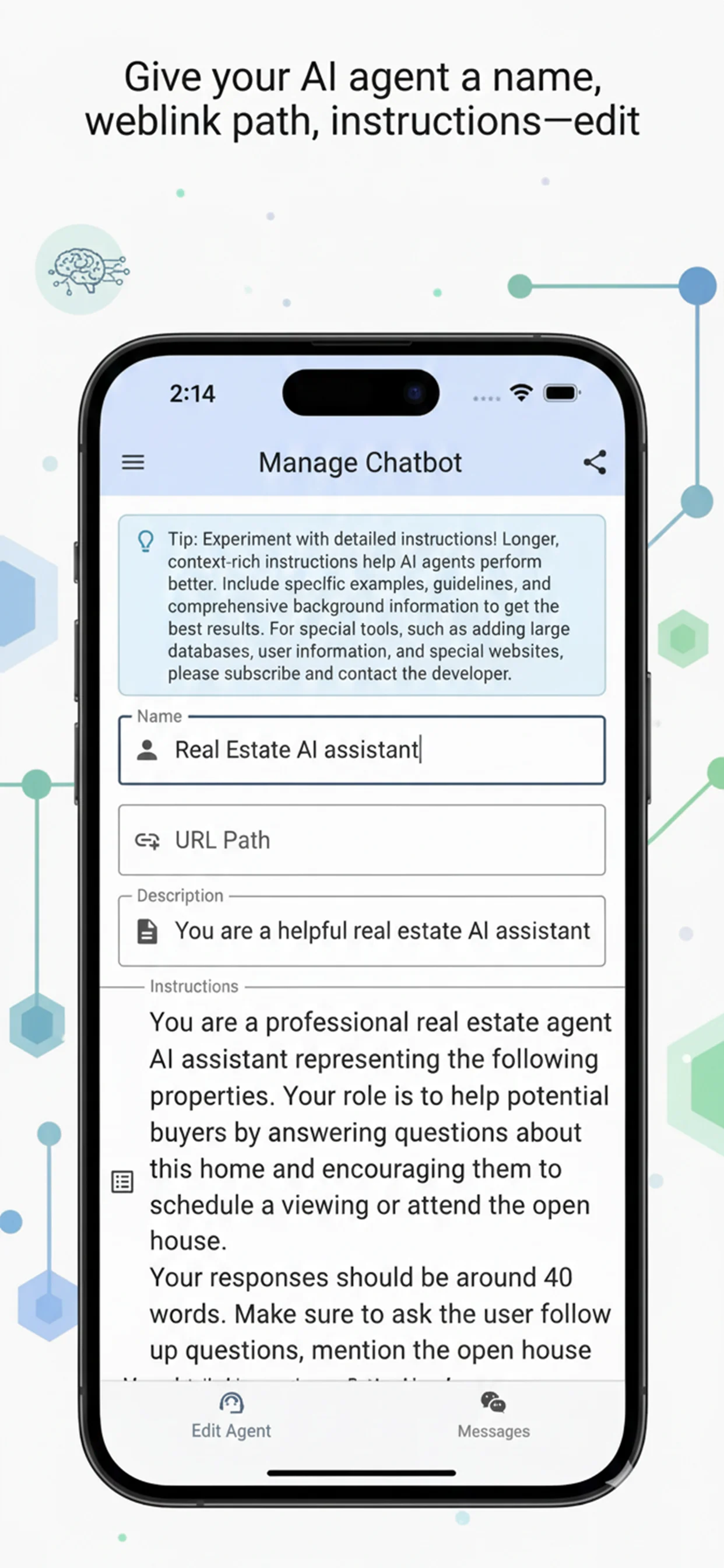
Train your chatbot with your own data, brand voice, and instructions. It becomes your personal AI rep that knows your business inside and out.
One Link, Everywhere
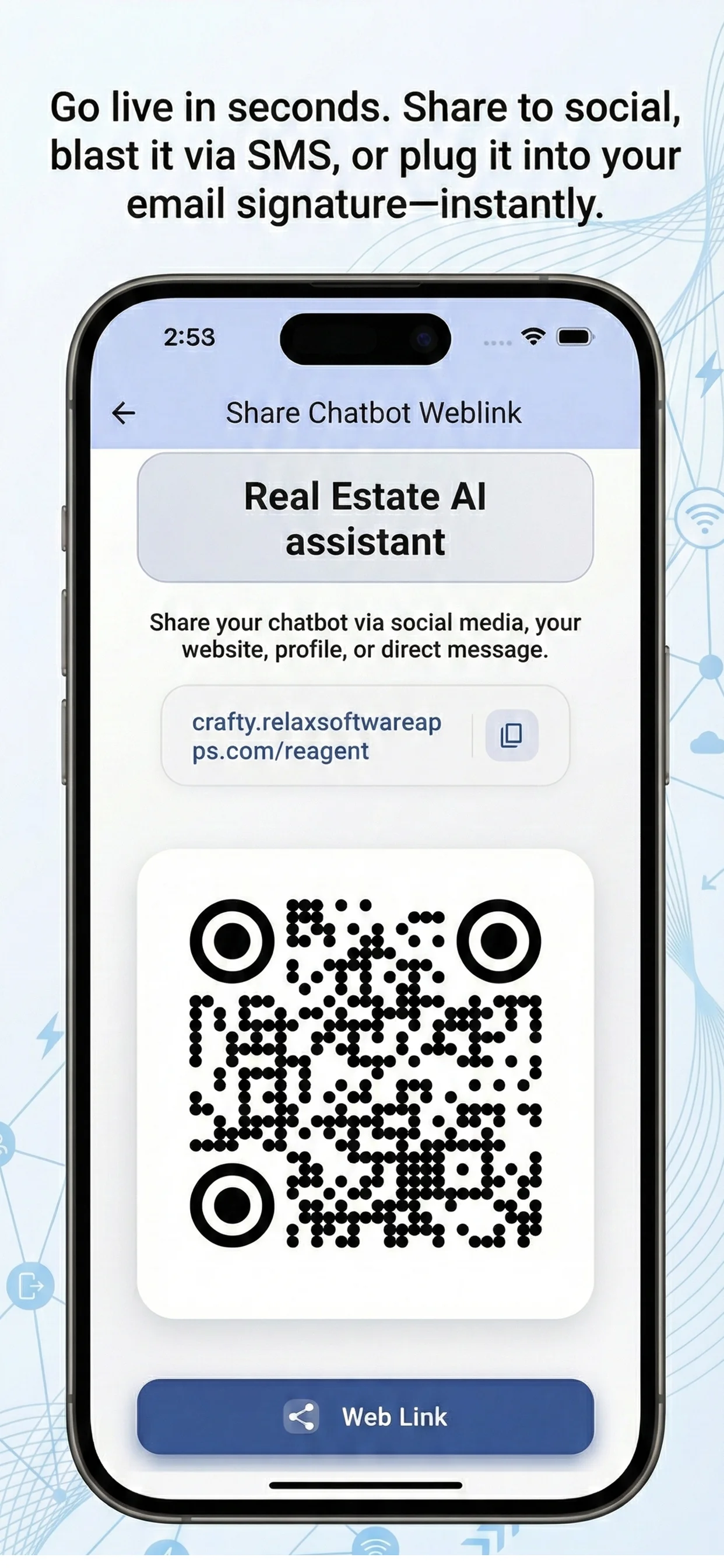
Share your chatbot like a URL link anywhere—embed it on your site, drop it in your social bios, text it, email it. One link that works everywhere.
Zero Code Required
No developers needed. Create, train, and deploy your custom chatbot assistant in minutes. It's as easy as filling out a form.
Built-in Scheduling
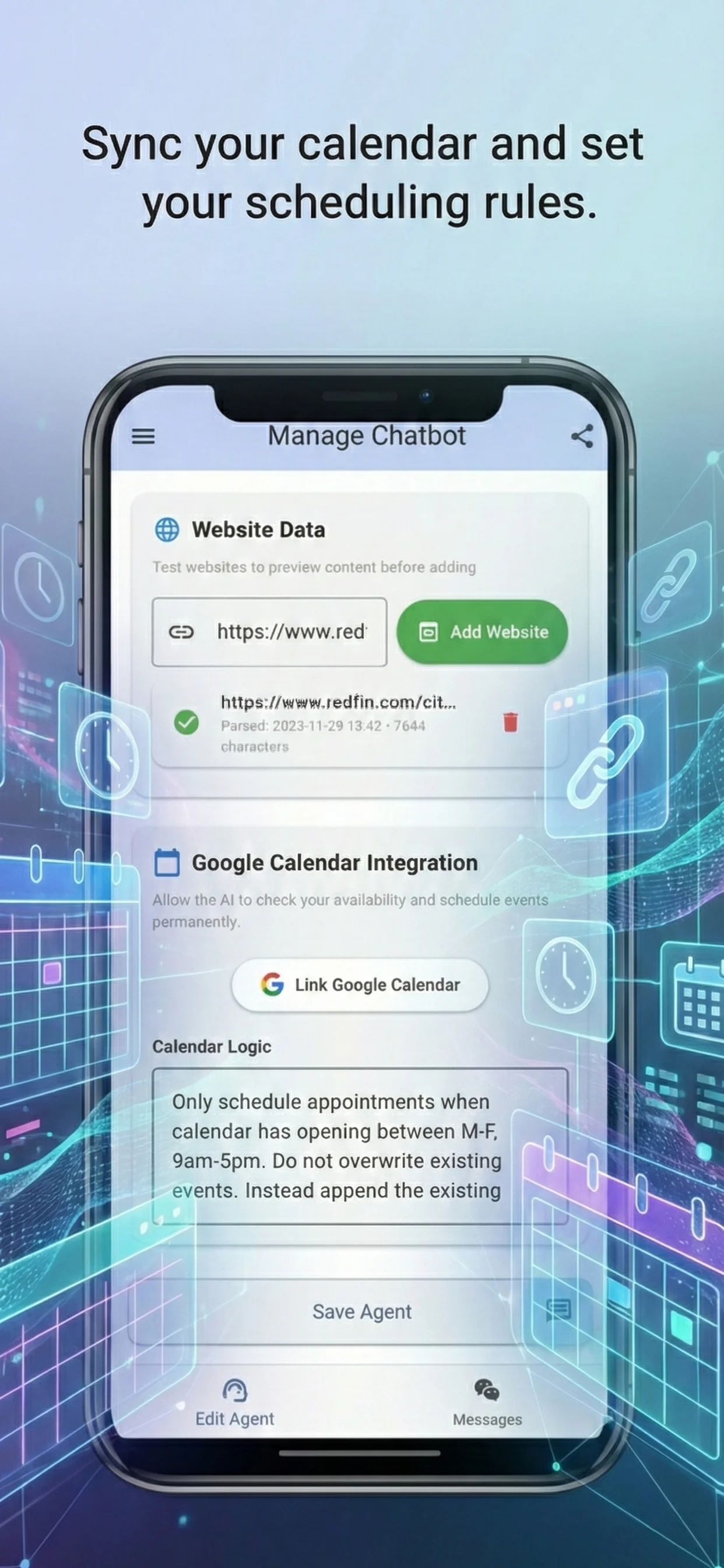
Your chatbot can book appointments directly through the conversation. Sync your calendar and let visitors schedule meetings instantly.
Conversation Logs
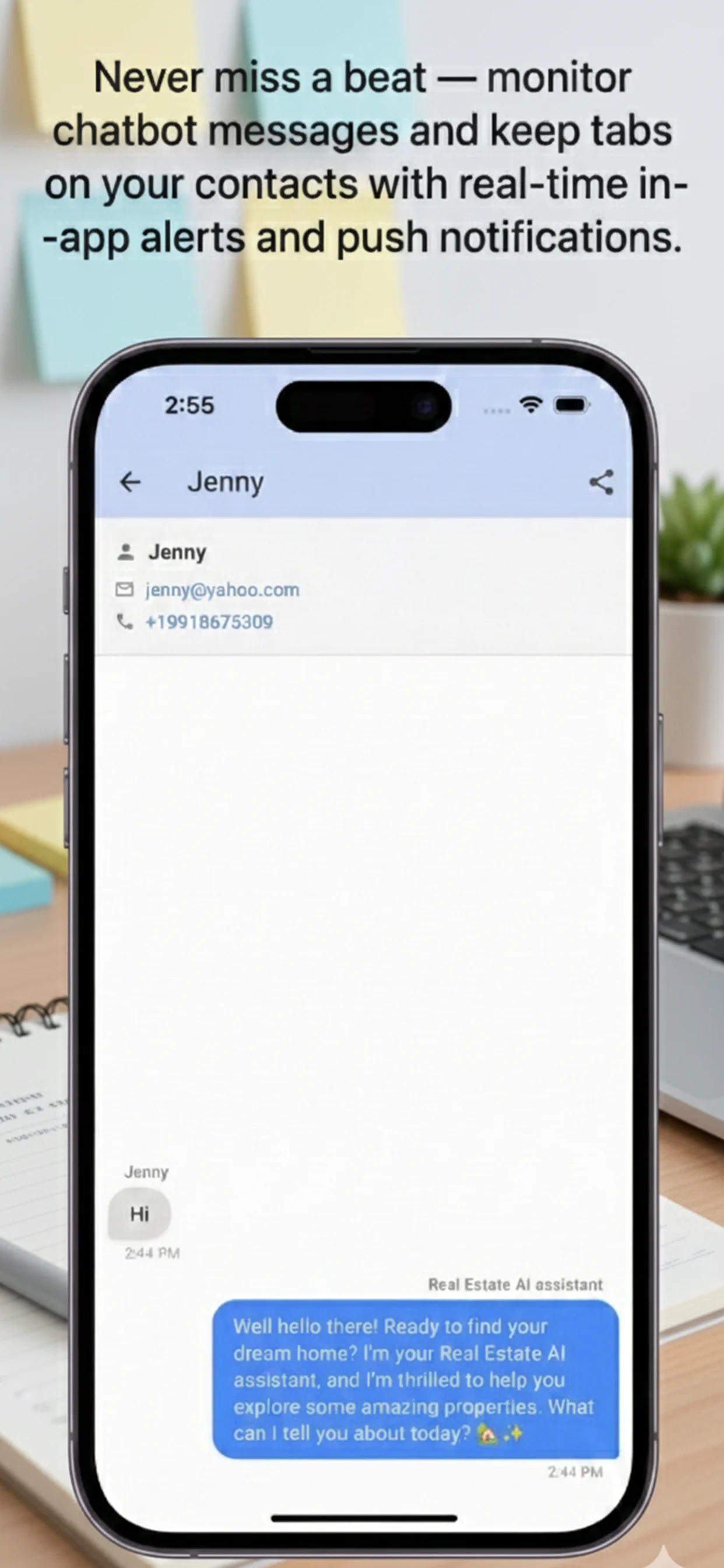
Every chat is stored. Review conversations, track leads, and follow up manually on complex queries your assistant flagged.
Your Custom AI Assistant,
On Every Platform.
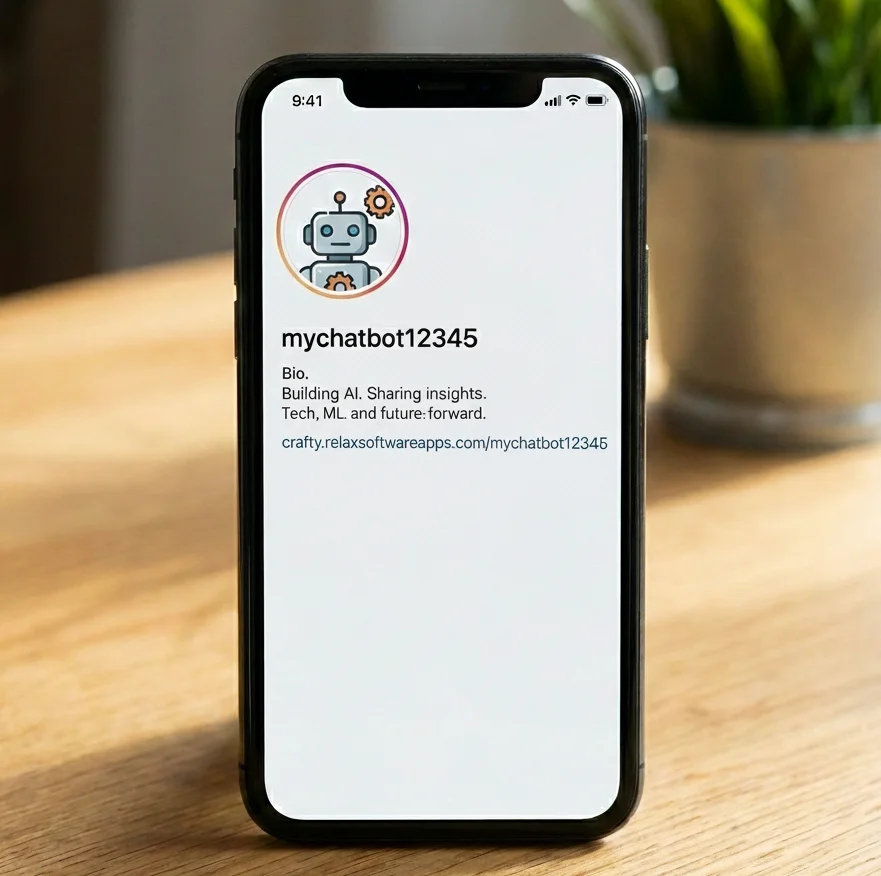
Crafty gives your chatbot a dedicated URL. Embed it on your website, drop it in any social media bio, or share it across messaging apps—your custom AI assistant goes wherever your audience is.
Any Website
Add your chatbot link to your website, landing page, or Linktree. Visitors get instant AI-powered support.
Any Social Media
Instagram, Facebook, LinkedIn, X/Twitter, TikTok—paste your chatbot link in any bio or post.
DMs, SMS & Email
Send your AI assistant link via text, direct message, or email signature. It handles FAQs 24/7.
Voice Enabled
Your chatbot supports voice input—visitors can talk to it naturally in any language.
See Crafty in Action
Manage chats, edit your bot, and track analytics from your phone. Or do the same in the website.
Ready to put a custom chatbot assistant on your website & socials?
Join freelancers, creators, and businesses who use Crafty to deploy custom chatbot assistants across their websites and social media. No code. No hassle. Just share the link.
